CRM and email automation without losing the human touch
Automate timing and context while keeping human attention where it matters.
In short
- Start with the customer journey
- Use data for a clear purpose
- Automate the routine, not the relationship
- Design a visible handover
- Test exceptions before launch
On this page
Start with the customer journey
A useful flow starts with the moments when someone needs information, confirmation or follow-up—not with the tool. Map that journey first and mark where a person should deliberately step in.
Use data for a clear purpose
Capture only the fields that improve follow-up. Forms, CRM and email should share one dependable source so information is not repeatedly requested or copied.
Automate the routine, not the relationship
Confirmations, reminders and task assignment can run automatically. Complex questions and important commercial moments stay human. Monitor errors and responses, then improve the flow regularly.
Design a visible handover
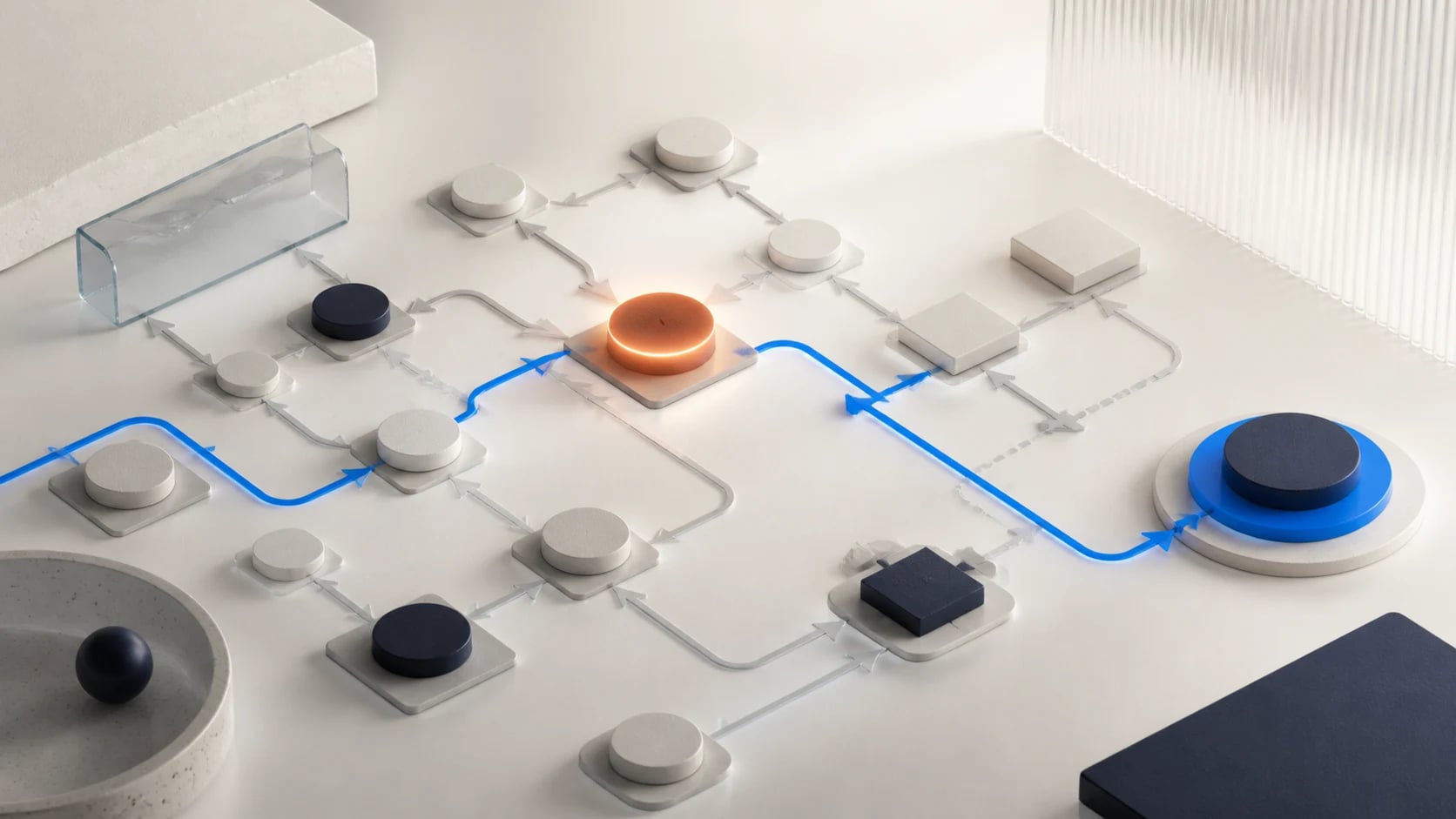
Decide at each stage when automation stops and who takes over the conversation. Give that person the reason for contact, earlier interactions and relevant preferences so the customer does not have to repeat the whole story.
For “CRM and email automation without losing the human touch”, start with one recognisable user task, the intended outcome and the people who must be able to recover exceptions.
Test exceptions before launch
Do not test only the ideal path. Simulate missing data, duplicate contacts, unsubscribes, delayed integrations and a failed sending step. Give every case a safe status and a clear task for the responsible person.
Improve from meaningful signals
Review which messages lead to a relevant response, where people drop out and how much manual recovery is needed. Adjust timing, segmentation or content first, and expand only when the existing flow works dependably.
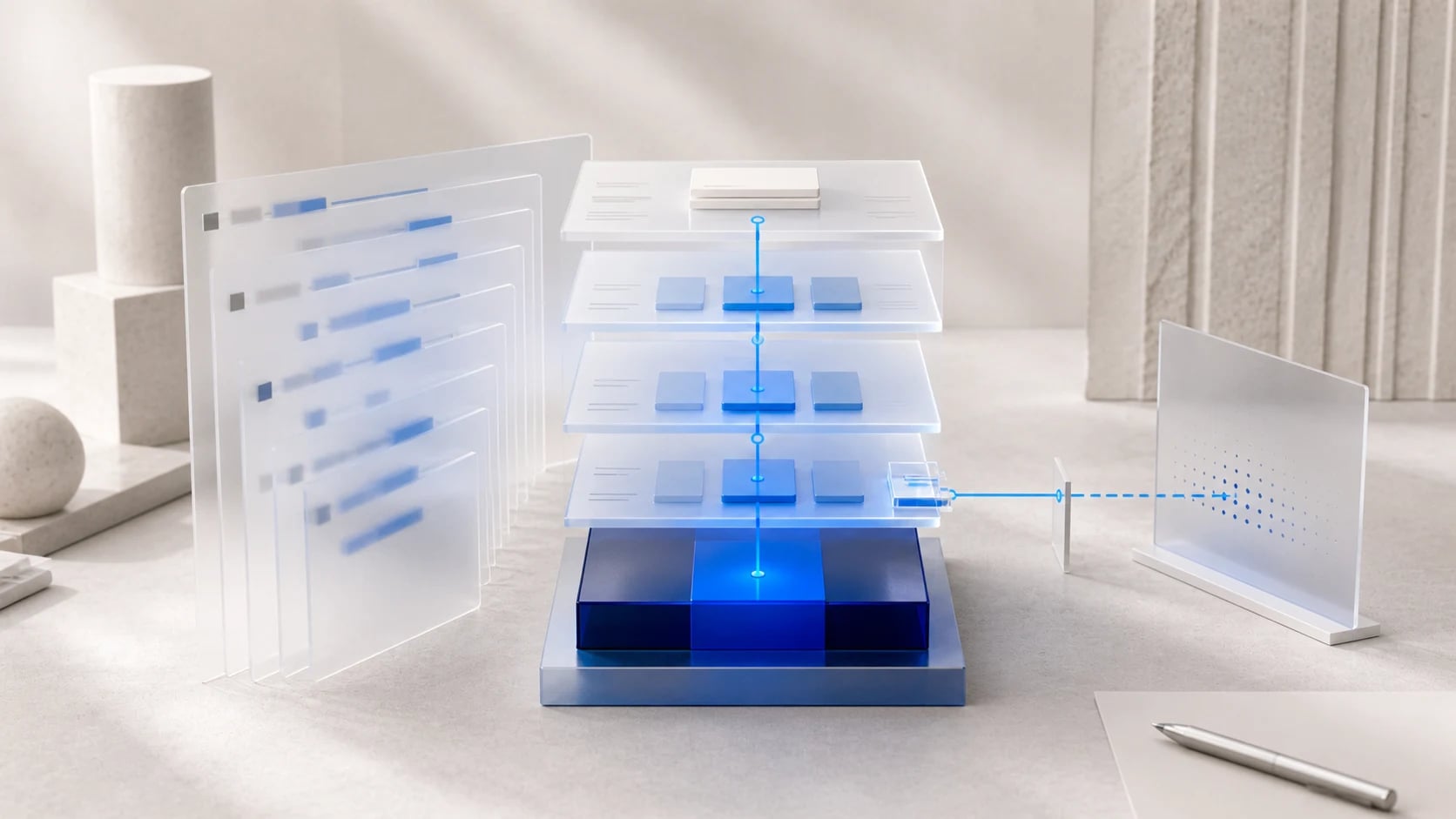
Make CRM and email automation verifiable
The decision review for CRM and email automation first focuses on one lifecycle transition, such as a qualified lead receiving a first follow-up email with valid consent. Define the acceptable user outcome, essential inputs and authorised approver for CRM and email automation before the trial starts. Keep the first CRM and email automation trial small enough to separate causes from effects.
Build evidence for CRM and email automation around one realistic successful route and also simulate a duplicate send, withdrawn consent and a CRM status that updates too late. For every CRM and email automation check, record the expected outcome, visible evidence and recovery action when it fails. The final decision question for CRM and email automation is: “Where should you start with “CRM and email automation without losing the human touch”?”
CRM and email automation: from trial to everyday operation
Assign CRM and email automation one operational owner, one subject reviewer and a clear fallback route. Treat the CRM and email automation checklist as separate evidenced steps, so punctuation or phrasing never becomes part of the process logic. Ask the relevant user to complete CRM and email automation without spoken help and record every point that still needs explanation or manual recovery.
Keep change rights, logging, support and review dates for CRM and email automation in one operating plan. Repeat the CRM and email automation trial after a change to source data, configuration, model, integration or user role. Expand CRM and email automation only when the team can also detect, contain and recover a duplicate send, withdrawn consent and a CRM status that updates too late.
Stop the CRM and email automation rollout while a duplicate send, withdrawn consent and a CRM status that updates too late is not reported visibly and recoverable by the assigned owner.
Creagrid / actie
Practical checklist
Define the user outcome for “CRM and email automation without losing the human touch”.
Test the main assumptions behind “CRM and email automation without losing the human touch” with a realistic task.
Assign an owner and fallback route for “CRM and email automation without losing the human touch”.
FAQ
Frequently asked questions
Where should you start with “CRM and email automation without losing the human touch”?
For “CRM and email automation without losing the human touch”, start with one recognisable user task, the intended outcome and the people who must be able to recover exceptions.
When is “CRM and email automation without losing the human touch” ready for everyday use?
“CRM and email automation without losing the human touch” is ready when the core flow and exceptions are tested, the outcome stays understandable and an owner can intervene.
Content checked on